
Get the PA Health and Wellness Mobile App to Stay Connected!
PA Health and Wellness makes it easy to access your account information wherever you are - on a computer or your smart device. It's easy to log in, convenient to use, and available 24/7. Manage your plan anytime, anywhere.
What you can do in the app:
Access your ID card
View a digital version of your Participant ID card at any time.
Search for Care
Find doctors and urgent care near you, change your primary care provider, and more.
View your benefits
See specific benefits and services available to you.
Take your health assessment
Let us know your health needs to better serve you.
Send us a message
Get in touch with us through secure messaging if you need help.
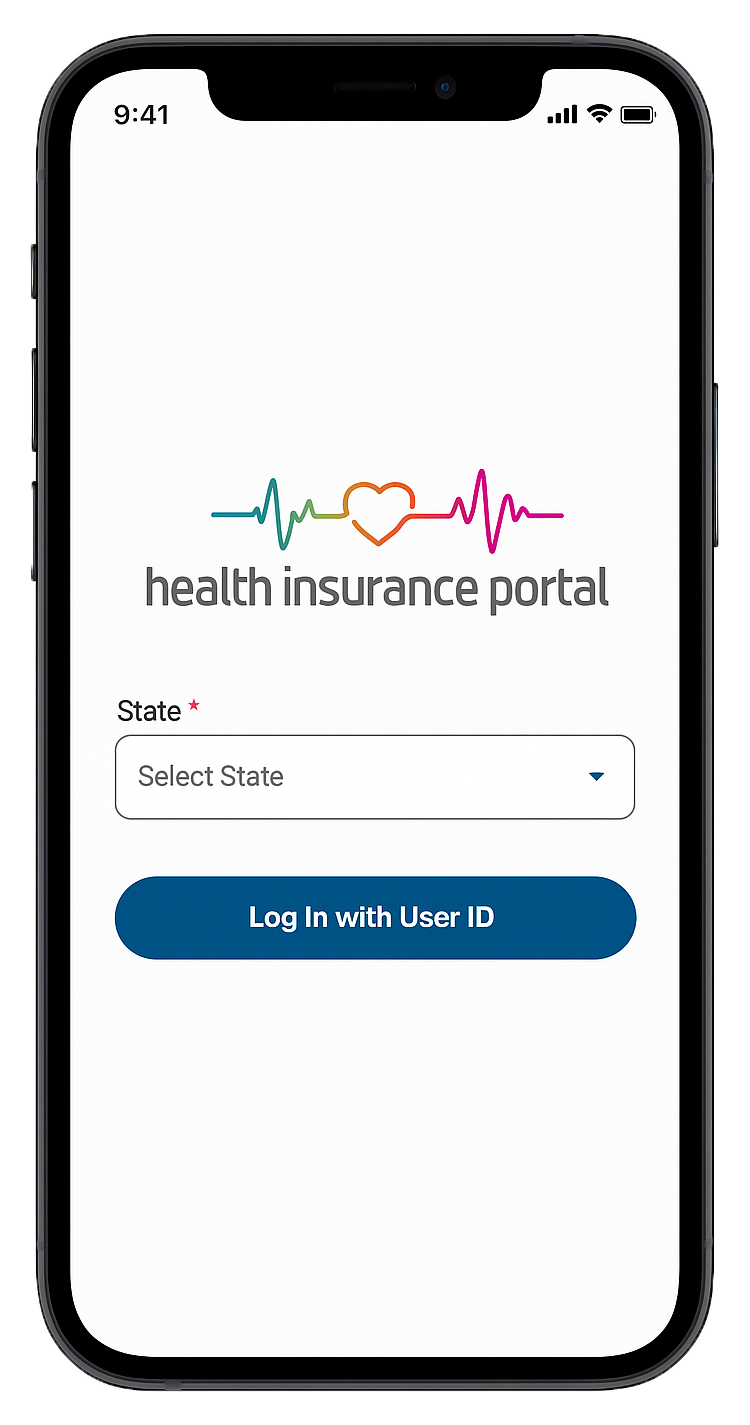
Mobile App
Set up your account in 3 easy steps:
- Search “Health Insurance Portal” in the App Store or Google Play.
- From the “state” dropdown menu, select “Pennsylvania.”
- Use your PA Health and Wellness Participant portal login or create an account to get started.


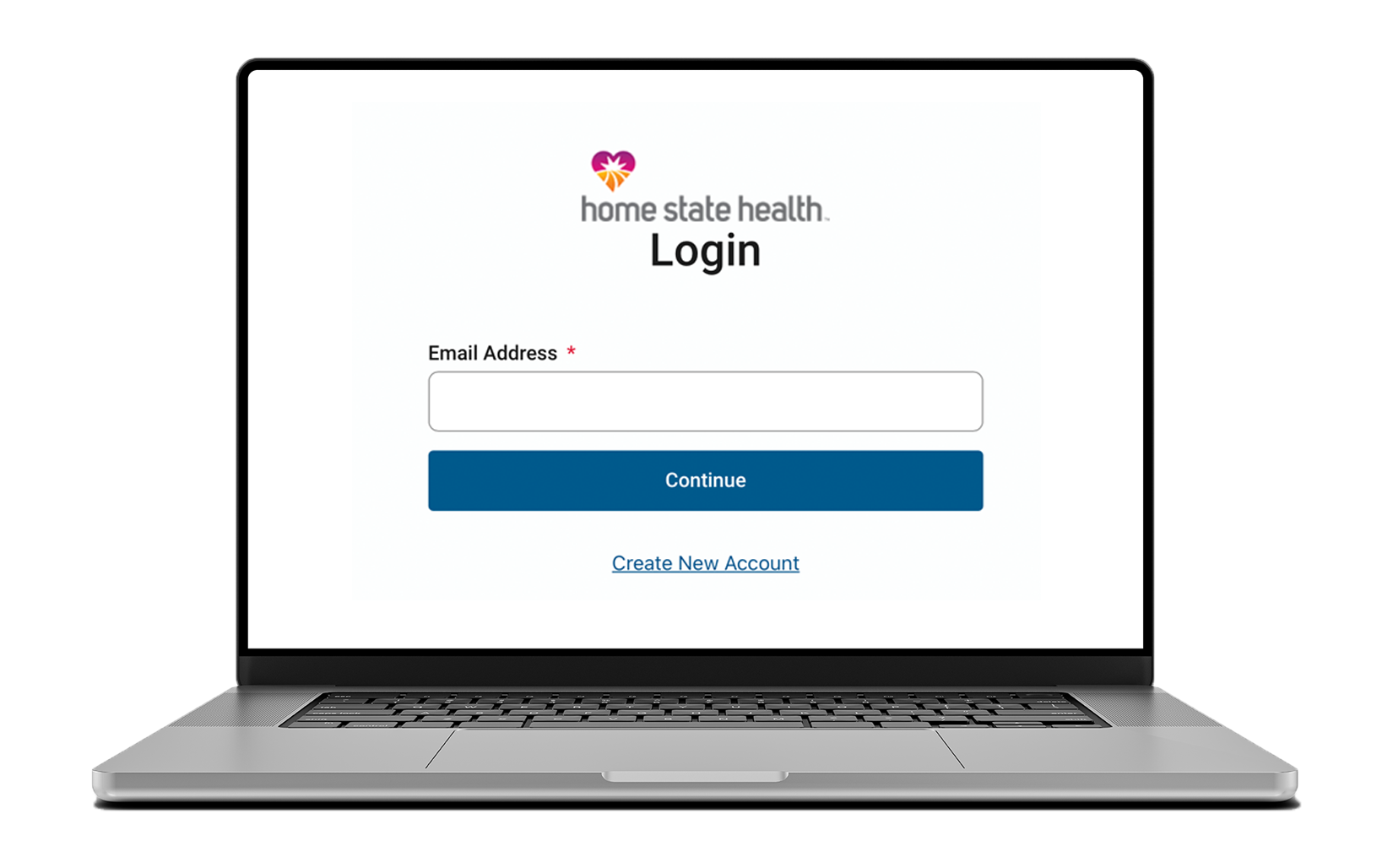
Online Participant Portal
Set up your account in 3 easy steps:
- Go to the PA Health and Wellness Participant Portal Login
- Register with your email address, birth date and participant ID (found on your Participant ID card.)
- Verify your account through email.